For the developer who is also the ops team
Everything around your code, at a glance.
Machines, CI, containers, spend, vendor status and agents in one window you leave open on a second monitor. Free and open source for macOS and Windows. No account, no sign-up, no server.
Solador is a desktop app for macOS and Windows. A Linux box shows up in it by running the agent.


One tile out of true
The mark is a tiler's 3×3 grid with one tile out of true, and the name is Spanish: solar, to floor, to pave, to tile, plus -dor, the tradesperson who lays them.
The odd tile is the whole point. A grid where everything is square says nothing; what you want from a wall of panels is to notice the one thing that isn't right. So Solador stays quiet while things are fine, and the one thing that isn't is what you see.
Nine panels, one glance.
It opens on compact tiles you can move, hide, duplicate and scope. Open any tile for its detailed panel, or all of them at once for the full cockpit.
-
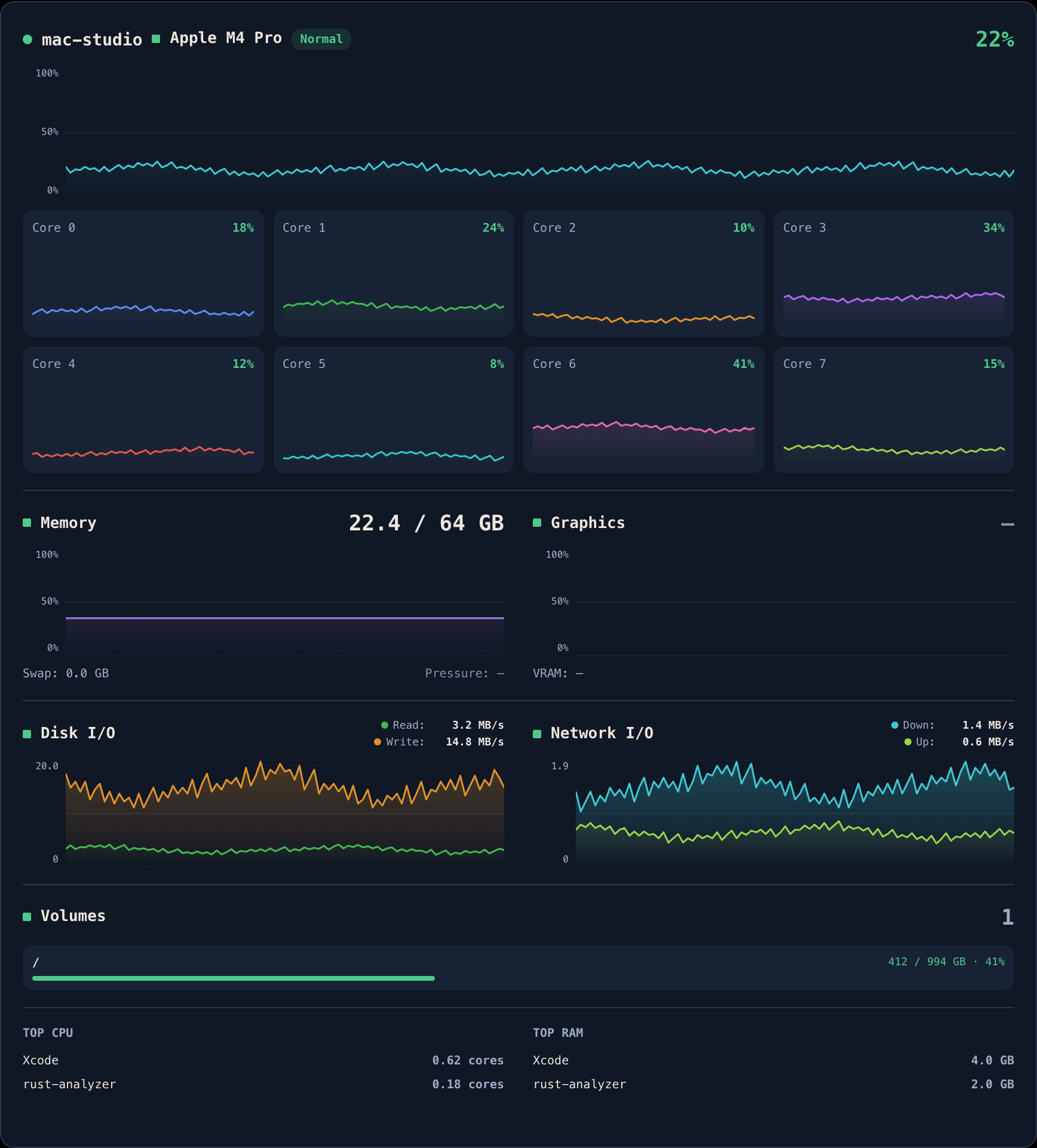
Hosts
CPU, memory, disk, network, GPU and battery for this machine, plus any host you can reach that runs the agent.
-
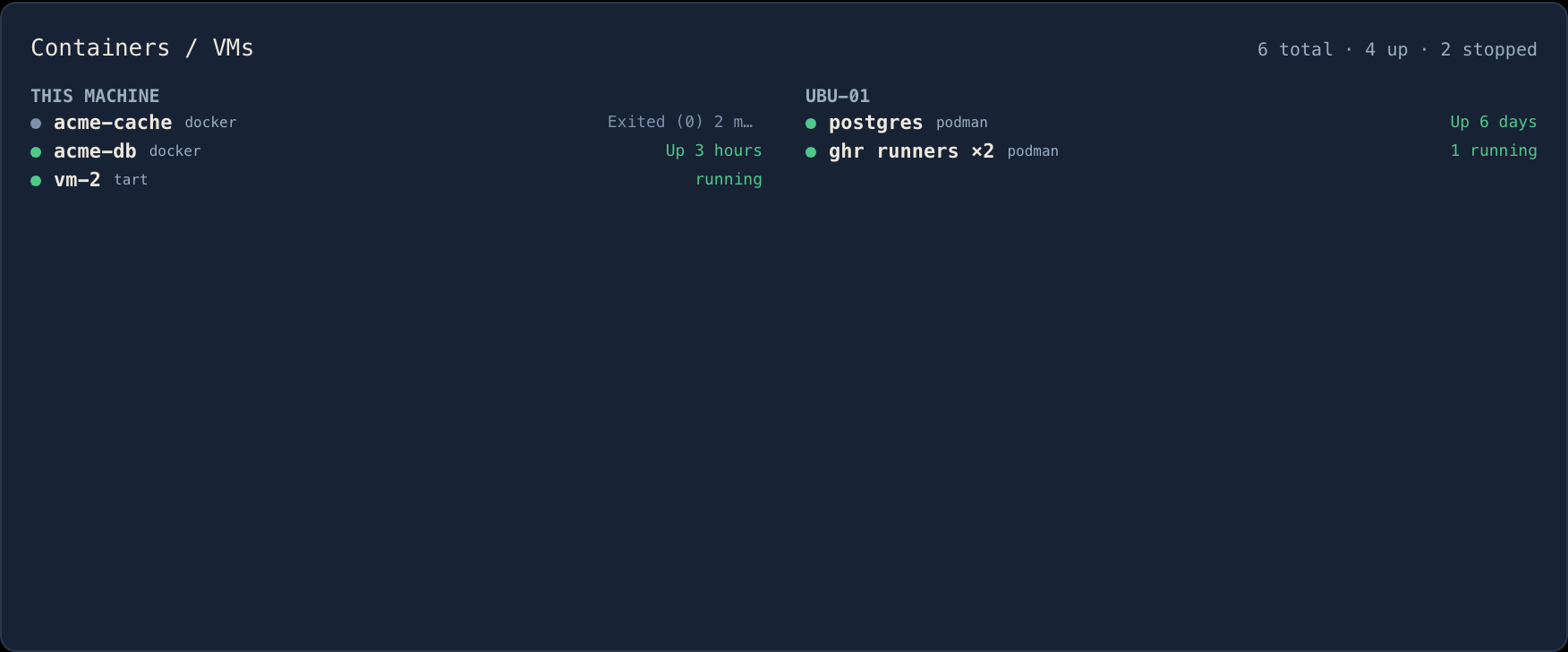
Containers / VMs
docker, podman and tart, locally and on every host.
-
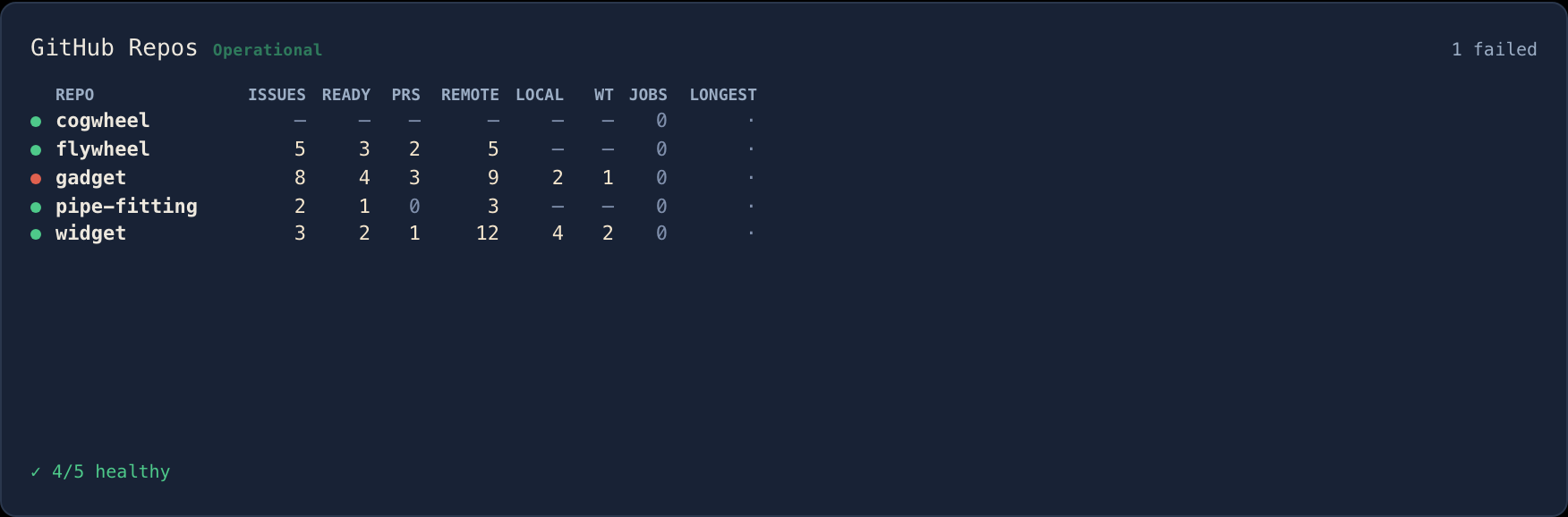
GitHub Repos
Workflow health for every repo you watch, with its open issues, ready work, pull requests, branches and worktrees beside it.
-
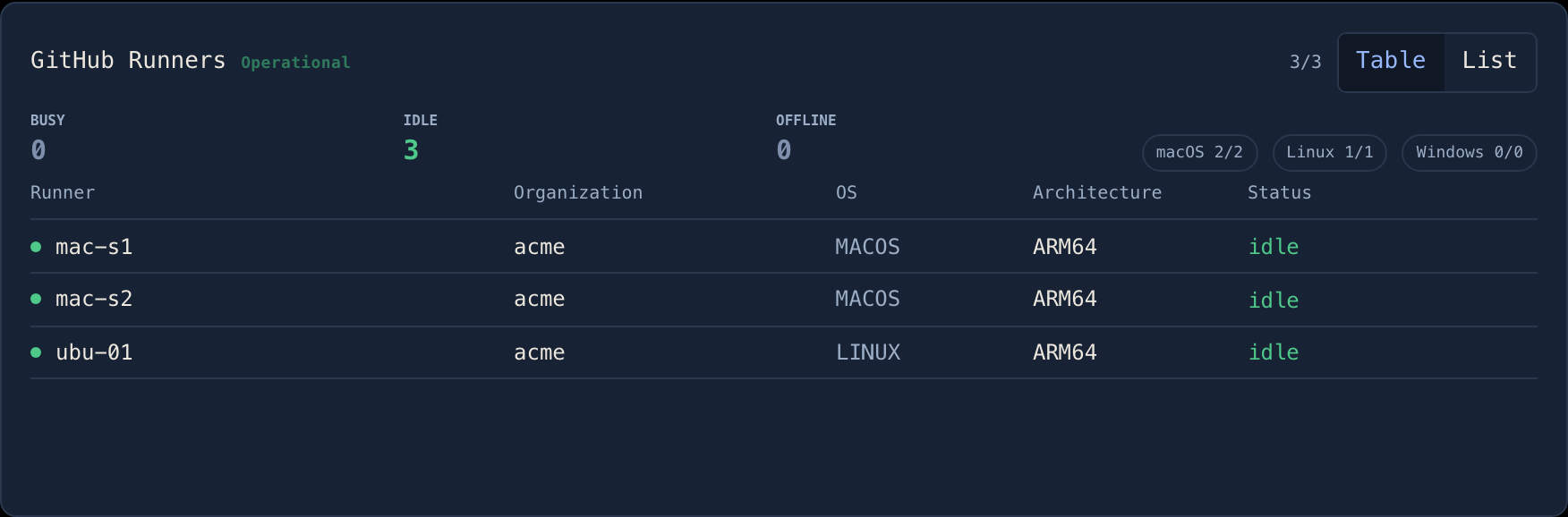
GitHub Runners
Your self-hosted runners, with an absence roster for the ones that should be there and aren't.
-
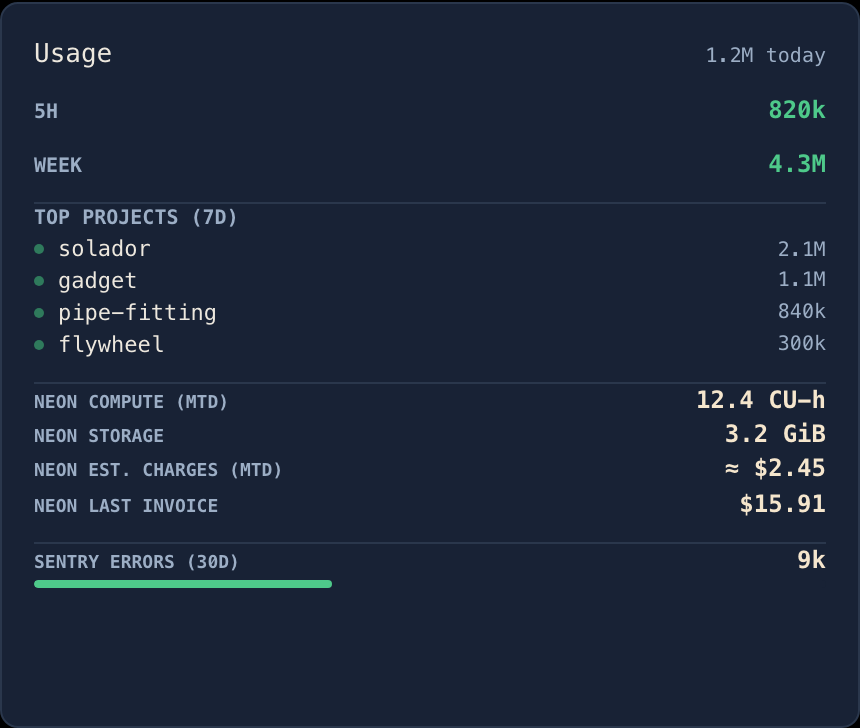
Usage
Claude Code token rollups from the logs already on your disk, plus Neon, Sentry and Vercel consumption.
-
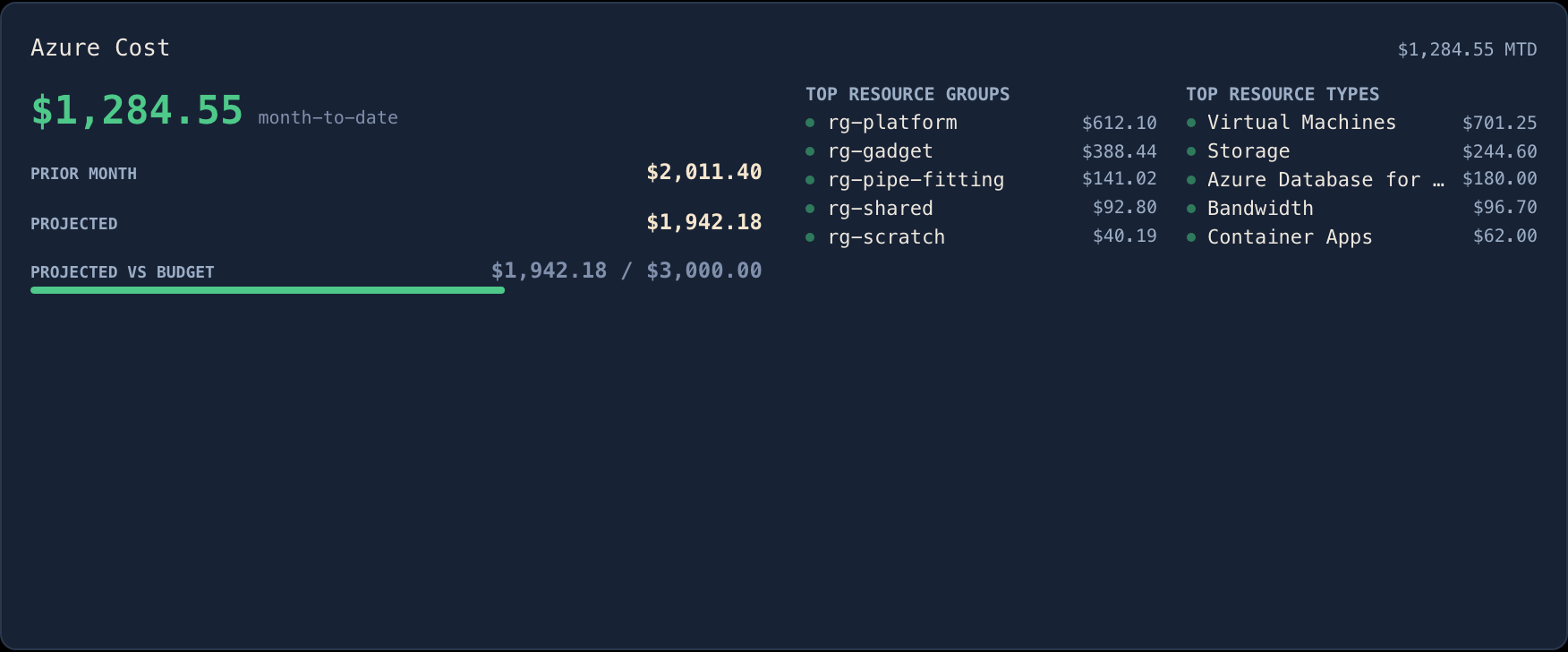
Azure Cost
The daily cost export, month to date, read with the
azCLI you are already signed in to. -
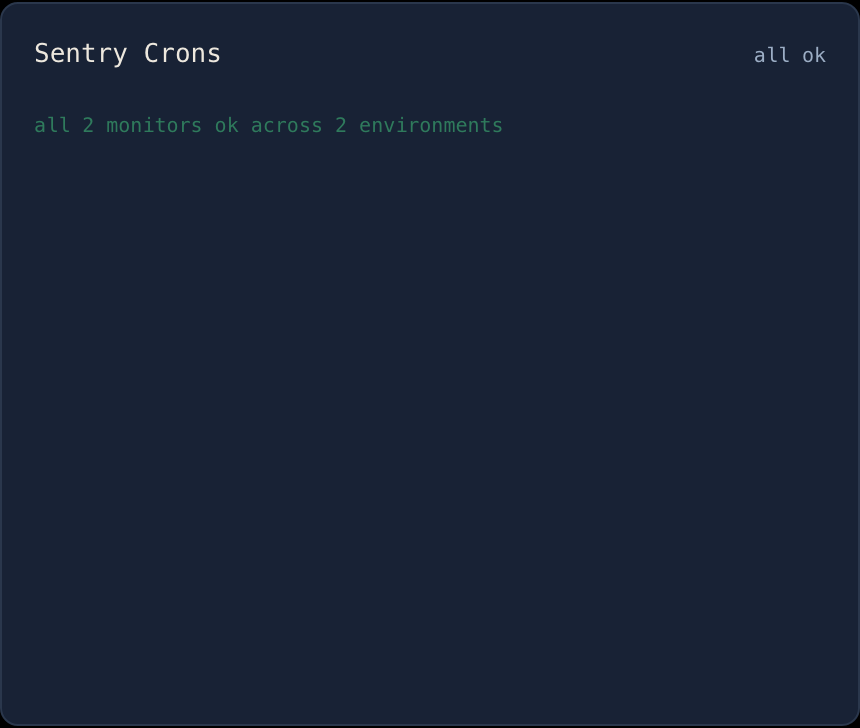
Sentry Crons
Every cron monitor that is not ok, and how long it has been broken.
-
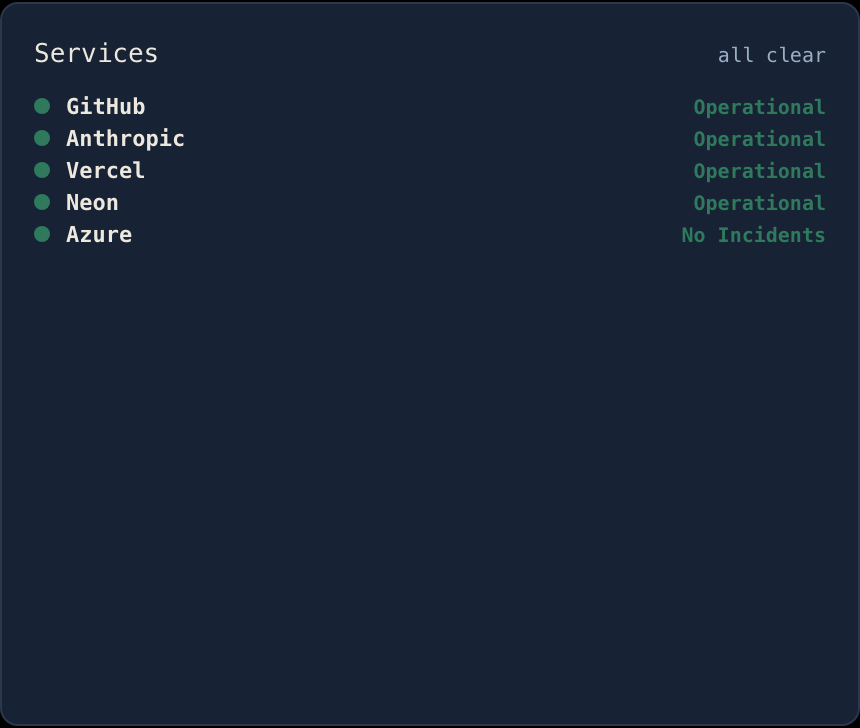
Services
Status pages for the vendors you already use, with a desktop notification when one changes.
-
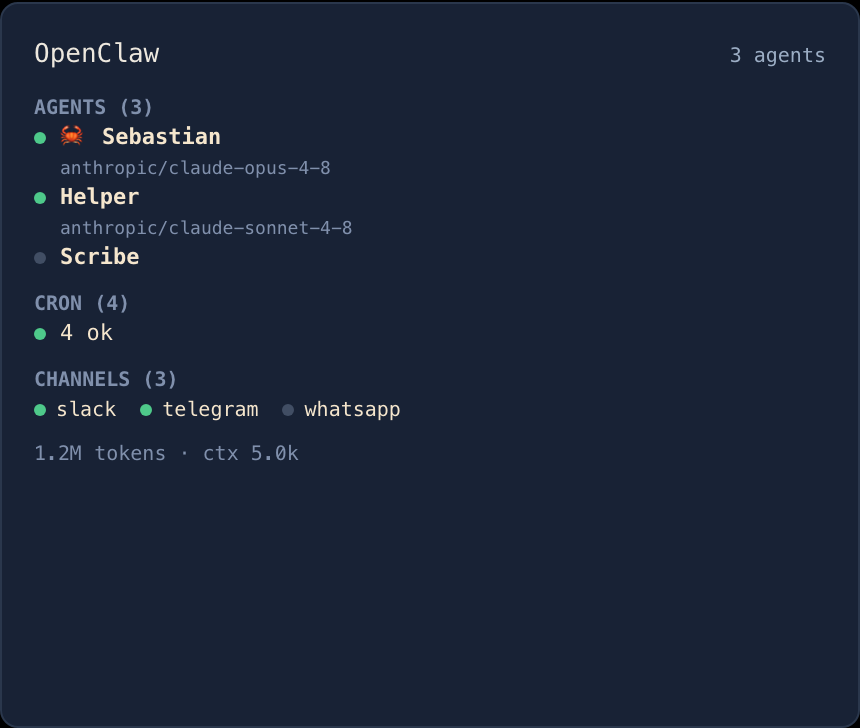
OpenClaw
An OpenClaw agent farm over a live WebSocket, the one panel that is event-driven rather than polled.
Useful before you configure anything.
Open it and it does something useful immediately. No token, nothing to set up first.
This machine
Per-core CPU, memory, disk and network rates, GPU and battery, sparklined at 1 Hz.
Your containers
Whatever docker, podman or tart you already run.
Vendor status
The status pages of the vendors your cockpit already reads, derived from what you have connected rather than shipped as a list.
Claude Code usage
Token rollups folded up from the logs already on your disk. No key, and nothing leaves the machine.
Everything after that is opt-in, one credential at a time. A panel you haven't set up shows a muted line saying what it wants, never a red error. Setup is not failure.
Unknown is never rendered as zero.
Every value Solador might fail to measure stays optional the whole way down, so a reading nobody could take never shows up as a reassuring zero. A cockpit you glance at has to be one you can believe.
- —Nobody could find out.
- 0A dimmed zero: there are genuinely none.
- ≈Inferred, not observed, and tinted amber to say so.
- emptyAn empty green panel is treated as a bug: it looks exactly like one that has never read anything.
No telemetry, no analytics, ever.
Apart from the vendors you configure, with your own credentials, the app talks to nothing.
-
Credentials in your OS keychain
Keychain on macOS, Credential Manager on Windows, never the settings file. GitHub access is a read-only, fine-grained token.
-
Crash reports only if you ask
Off until you turn it on. Even then, a report is rebuilt from an allow-list of named fields: no host names, tokens or absolute paths.
-
Signed, end to end
A notarized macOS app and a signed Windows installer. Agent binaries are signature-checked before they run, and a paired host is reached over TLS pinned to the certificate you approved.